 DoudouLinux
The computer they prefer!
DoudouLinux
The computer they prefer!
The site's languages [ar] [cs] [de] [en] [es] [fa] [fr] [it] [ms] [nl] [pt] [pt_br] [ro] [ru] [sr] [sr@latin] [th] [uk] [vi] [zh]

Applications for work
June 2010 — last update June 2013All the versions of this article: [čeština] [English] [Español] [français] [italiano] [Bahasa Malaysia] [română] [русский]
Yes, we also have to work a bit and for sure computers can help us with the tasks.… To help children understand this other role of computers, about a dozen relatively simple applications are available. Some of them may only be useful to Dad and Mum to help out. You will see that the proposed work is not so hard indeed! We have even included two graphics applications because we do not want to open a graphics category for two applications only.
Work applications are briefly described on this page. A list of these applications as well as a list of links to their web sites are as follows:
- MyPaint
- TBO
- Laby
- KTurtle
- GoldenDict
- gcalctool
- gedit
- empathy
- epiphany-browser
- pcmanfm
- eog
- evince
- xarchiver

MyPaint
MyPaint is a fast and easy graphics application for digital painters that mimics the real painters tools. It comes with a large brush collection including charcoal and ink to emulate real media, but the highly configurable brush engine allows you to experiment with your own brushes and with not-quite-natural painting. MyPaint lets you focus on the art instead of the program. You work on your canvas with minimum distractions, bringing up the interface only when you need it.
- TBO

TBO
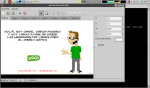
TBO is a comic creator, an easy, fun-to-use program to draw comics or make your presentations funnier. Users create pages and drawing frames in their pages. TBO provides a library of vector drawings [1] to be used in comic frames. Background images can also be imported.
TBO has two function modes: “page view” and “frame view”. Once your page has frames, you can enter the mode “frame view” by double clicking with the selector tool in the frame to be edited. In the frame view you can draw doodles, bubbles, texts in bubbles, move and resize objects, rotate and clone objects. To return to the page view, press the escape key.
- KTurtle

KTurtle
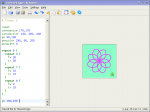
KTurtle is an educational programming environment that aims to make programming as easy and teachable as possible; therefore, it can be used to teach kids the basics of math, geometry and… programming.
The programming language used in KTurtle is loosely based on Logo. KTurtle allows, just like some implementations of Logo, to translate the programming language (the commands, documentation and error messages) into the native language of the programmer. This is one of the many ways KTurtle tries to make learning programming simpler. Other features to help to achieve this goal are: intuitive syntax highlighting, simple error messages, integrated canvas to make drawings on, integrated help function, slow-motion or step execution, and more.
- Laby

Laby
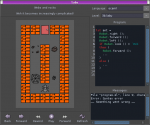
Laby is a small program to learn how to program with ants and spider webs. You have to move an ant robot out of a labyrinth, avoid spider webs, move rocks, etc. First levels are tricky… but easy. You will soon need the help of while loops, of function definitions, and also to acquire good skills at if conditionals. There is no labyrinth from which you cannot escape. The programming language is set to Python in DoudouLinux, programming instructions names can be translated into the child language.
- GoldenDict
GoldenDict
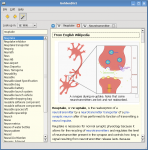
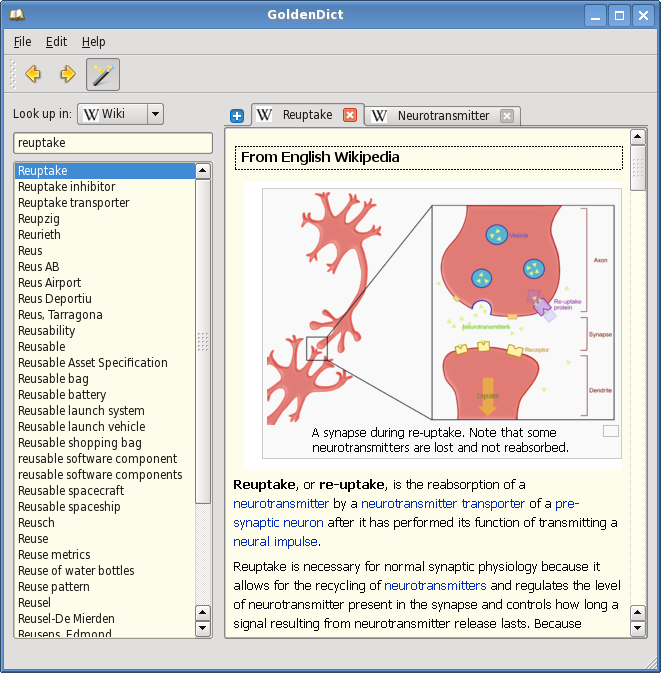
GoldenDict is a feature-rich dictionary lookup program. It can lookup definitions as well as translations from various translation dictionaries, locally or on the Internet. The program is able to display texts, images and web links (as well as web pages). It supports multiple dictionary file formats: Babylon, StarDict, Dictd, Lingvo. It also supports online resources such as Wikipedia, Wiktionary, Vikidia or any other MediaWiki-based sites. It can dictate words using pronunciations from forvo.com, propose corrected spelling and works when users cannot enter special characters such as “ç” or “ß”.
- Gcalctool
Gcalctool
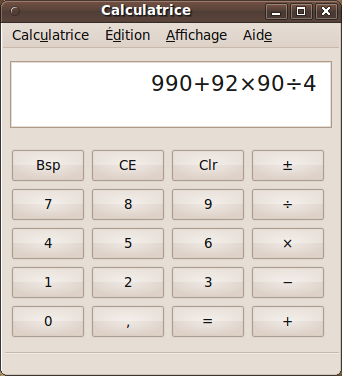
This is simply a calculator. It is configured to display its easiest mode which just shows the 4 basic operations. Nevertheless advanced modes can be activated in its “Display” menu to get access to more advanced or very advanced functions.
- Gedit

Gedit
Gedit is a small text editor. Instead of providing full-featured text processing software, we believe that children can be content with a simple text editor to start typing their own texts. Generally the layout is not their priority (let’s help them match punctuation and upper case rules first!), and anyway they would only need a tiny part of all the features of text processing software.
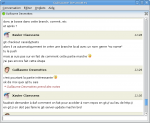
- Empathy
- Empathy + chat theme 2
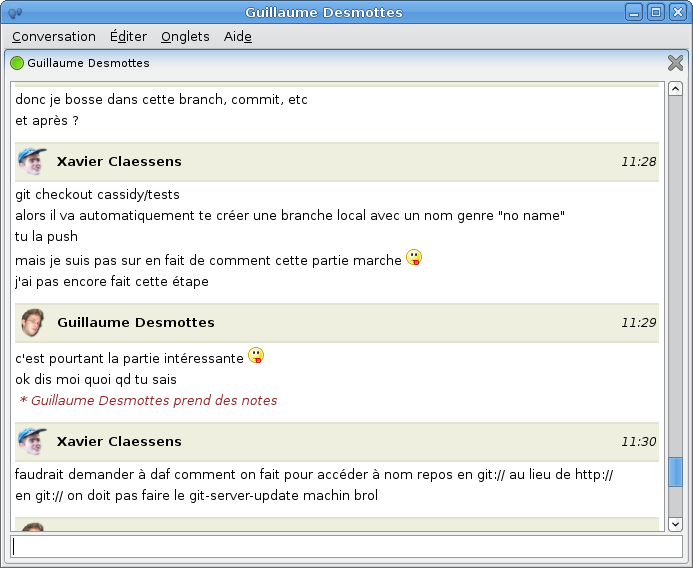
Empathy
Empathy is instant messaging software. It can obviously discuss with Google Talk, MSN or even Facebook, but it is configured in DoudouLinux just to be able to talk with machines from the local network. Just plug the network on your DoudouLinux computers and this should work! This way children can be initiated to this type of Internet communication without the need to create them an account and without the risk for them to get in touch with anybody on the Internet…
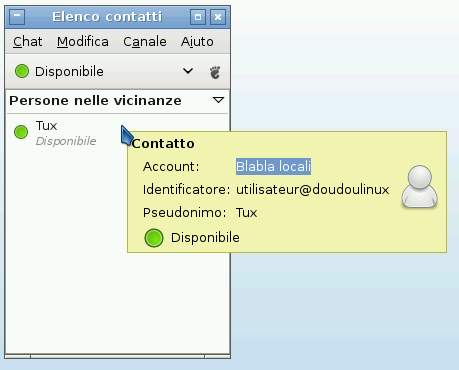
When Empathy is started, a small DoudouLinux-specific tool is showed to let the user set his (her) nickname on the network (see below). You can click the check box if you do not want to be asked your nickname next time; the nickname tool itself is also available from the tab Settings if needed. Then Empathy is started, which just adds a green light in the top panel. You have to click on it to show the list of your neighbors on the local network.
- Empathy nickname dialog
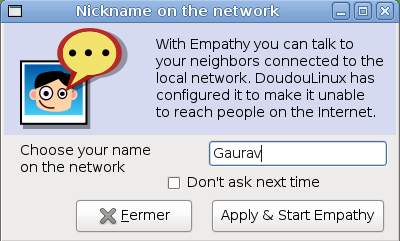
- Neighbors on the local network
- Epiphany browser
Epiphany Browser
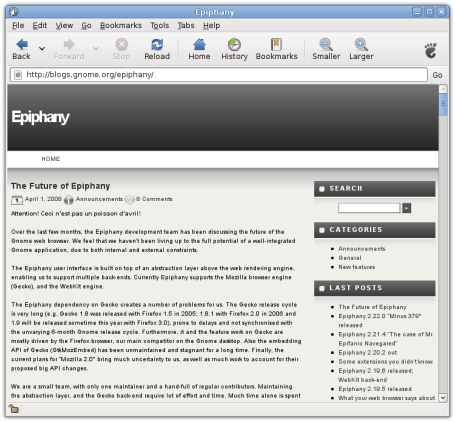
This is a web browser based on Mozilla Firefox technologies. It features ad-blocking and popup blocking for a better web browsing experience. On the other hand it is not compatible with the Firefox plugins system. However it is lighter, simpler to configure and faster than Firefox, this is why DoudouLinux integrated it in place of Firefox.
Note that we have changed the default homepage of Epiphany. As shown below, it now displays a portal to ease access to online resources that have a philosophy similar to our project, for example Wikipedia, OpenStreetMap and the Open Clip Art Gallery. These sites are not using aggressive advertisement as a business, and additionally provide contents that can be reused by our children without a second thought because of the friendly license they are using for their work. The full list of websites that we are promoting this way is localized on the page Epiphany home page and bookmarks.
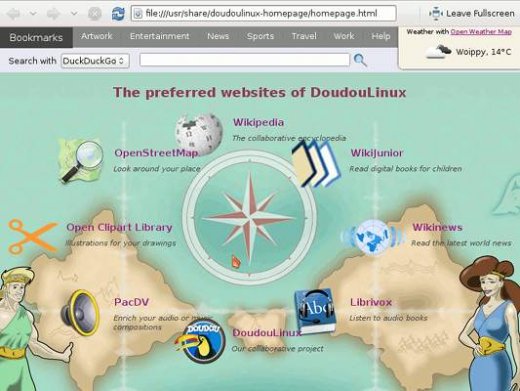
- DoudouLinux web browser homepage
- PcManFm
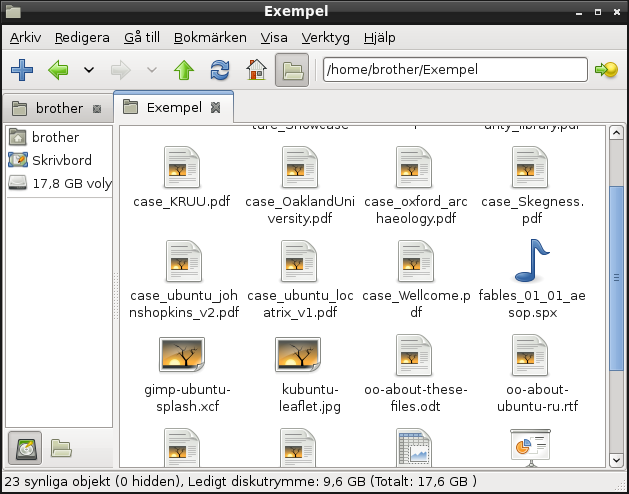
PCManFm
PCManFM is a file manager. Again it was chosen in place of more advanced file managers because of its lightness and its quickness. As a result it provides only partial file previewing in their icons. Don’t forget that DoudouLinux thinks that children will learn to manage their files later…
- Eye of Gnome (eog)
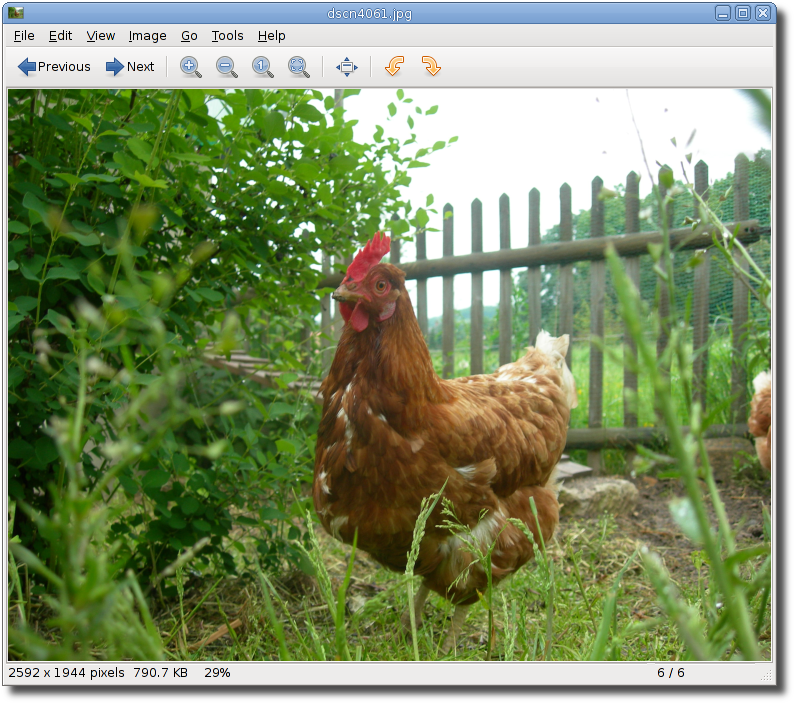
Eog
Eog is an image file viewer that can display various image or photo formats. It is not some kind of photo editing software, which should a priori be of no interest for children. At most you will be able to rotate photos right or left when they are not taken horizontally.
- Evince
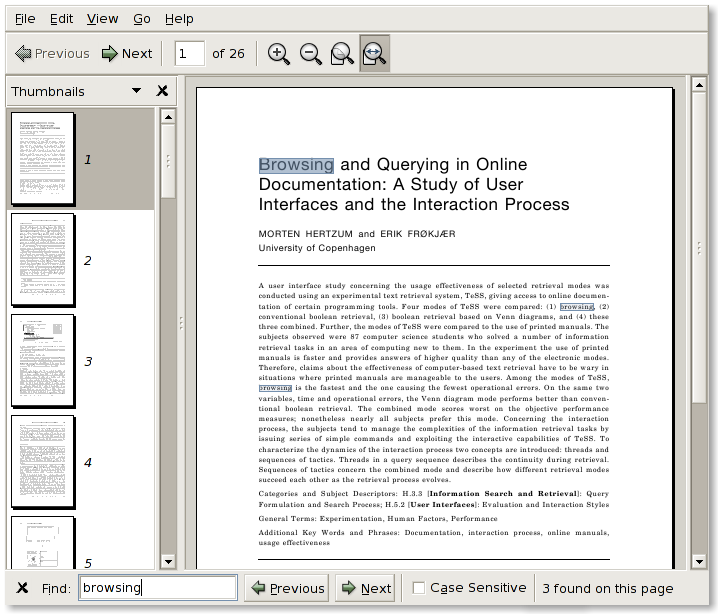
Evince
This is a PDF file viewer. The interest for children is obviously relatively small except that documents in PDF format are quite often encountered. For instance the user documentation accompanying DoudouLinux is in PDF format!
- Xarchiver
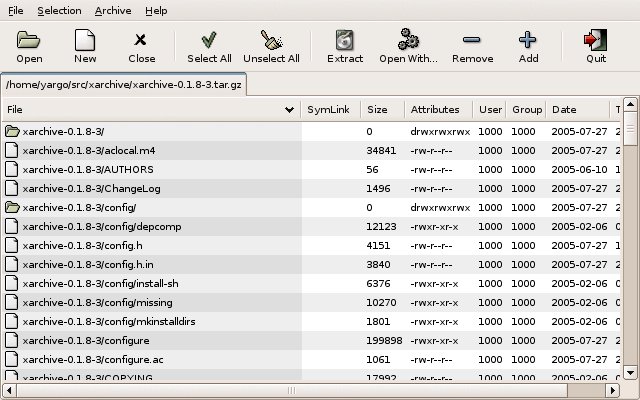
Xarchiver
This is an archive file manager which handles several formats like zip, tar, rar and 7zip. Even if this application may not be really useful, we provide it in case some compressed files would be downloaded from the Internet. It may be removed from further DoudouLinux versions.
Footnotes
[1] Unlike bitmap drawings, vector drawings can be resized without any loss of quality.
Documentation
-
Applications
-
Configuration
- Mouse setting
- Sound settings
- Screen settings
- Keyboard layout
- Date/time and time zone
- The Activities Menu
- Using a USB key or a USB hard disk
- Using a printer
- Language setting
- Using networking
- Creating a WiFi hotspot
-
Questions and issues
-
Advanced tools
- Preserving user privacy
- Parental controls
- Controlling computer use
- Data persistence
- Creating a DoudouLinux USB key
- Installing DoudouLinux definitively












 Copyright © DoudouLinux.org team - All texts from this site are published under the license
Creative Commons BY-SA
Copyright © DoudouLinux.org team - All texts from this site are published under the license
Creative Commons BY-SA

 RSS 2.0